Visual Description of My Personal Professional Website
From Final Design to a Real-World Experience.
My personal professional website is designed with a modern, professional, and visually attractive appearance. The main purpose of the website is to introduce who I am, show my professional experience, present my skills, and allow visitors to learn more about the work I do.
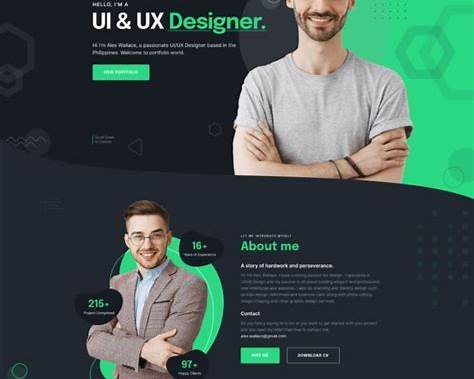
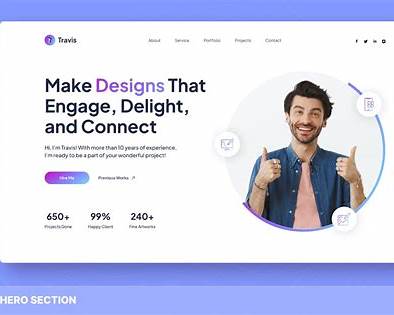
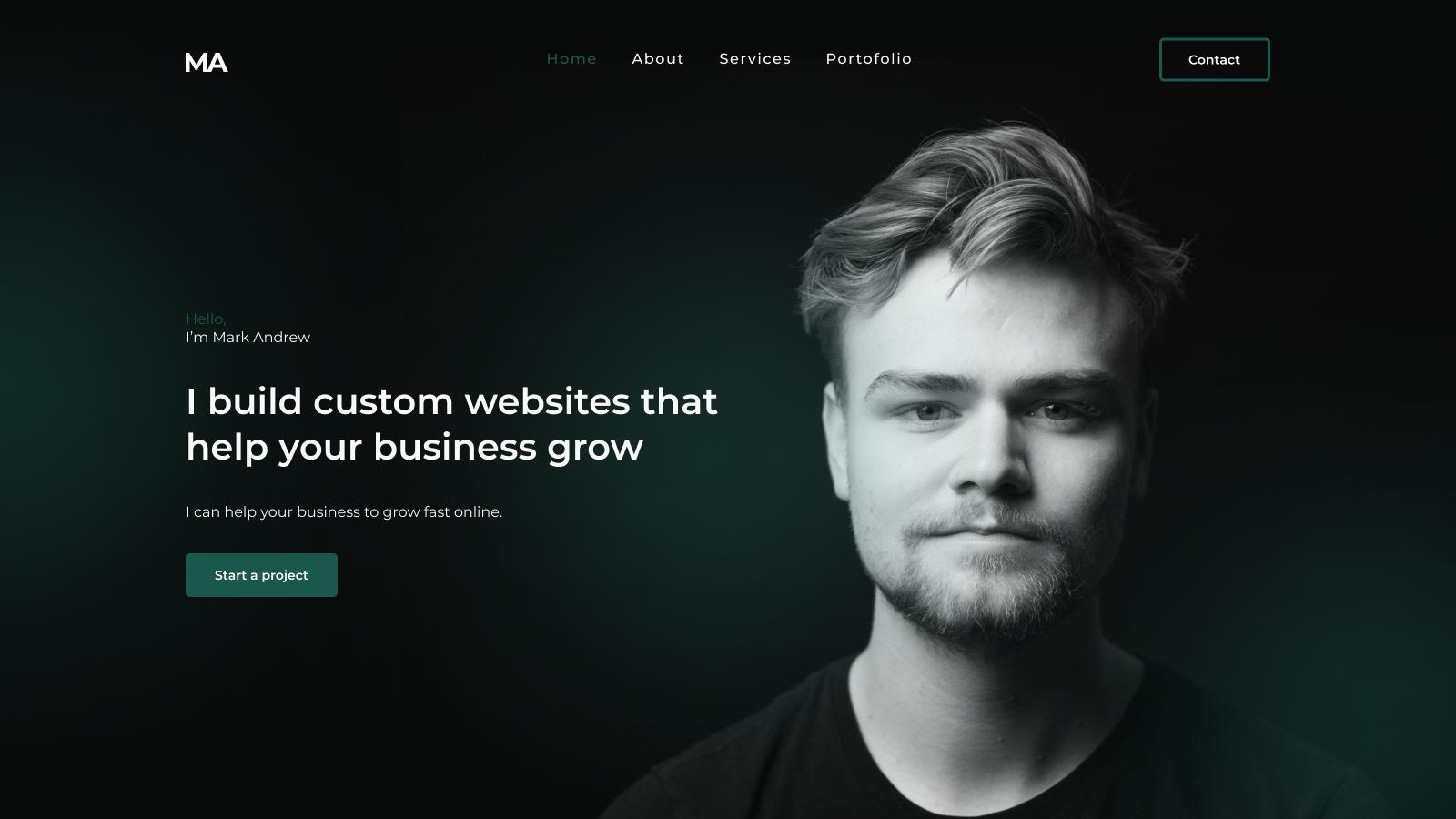
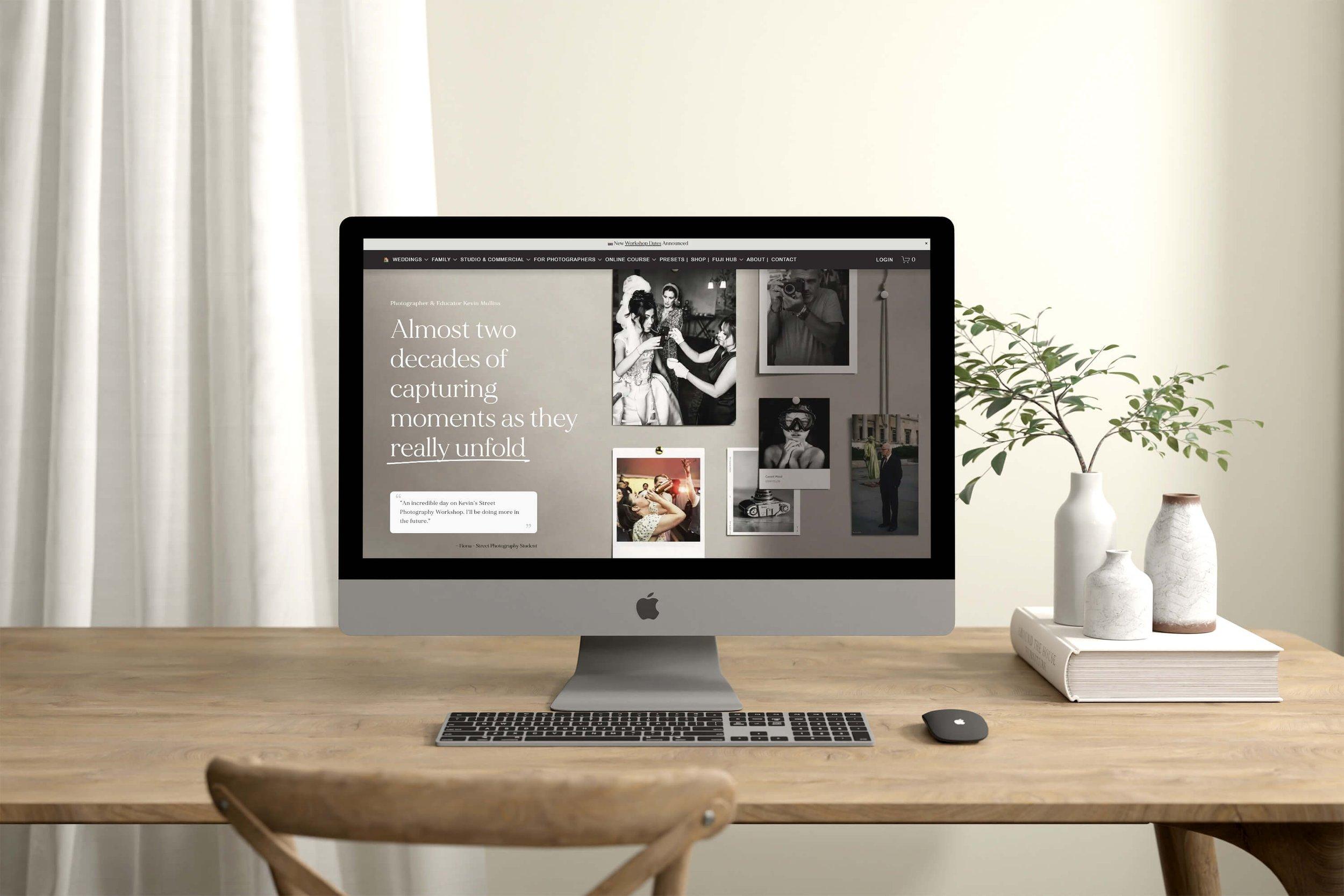
The homepage begins with a strong hero section that contains my name, professional title, a short introduction, and a professional photograph. The design immediately communicates my identity and gives visitors a clear idea of my profession. A visible “About Me,” “My Work,” or “Contact Me” button helps visitors easily explore the website.
The website uses a consistent color palette throughout all pages. The colors are professional and balanced, with enough contrast to make the text easy to read. Modern typography is used for headings and paragraphs, creating a clean and organized appearance. Different font sizes help separate important information from supporting text.
The About Me section presents information about my background, experience, education, interests, and professional goals. It can include a professional photograph, icons, or simple graphic elements to make the section more visually interesting.
The Skills section uses visual elements such as cards, icons, progress bars, or percentages to show my professional abilities. This makes the information easier to understand instead of displaying everything as a large block of text.
The Work Experience section presents my previous jobs and professional achievements in an organized timeline or card-based layout. Each position can include the company or organization, job title, dates, responsibilities, and important achievements.
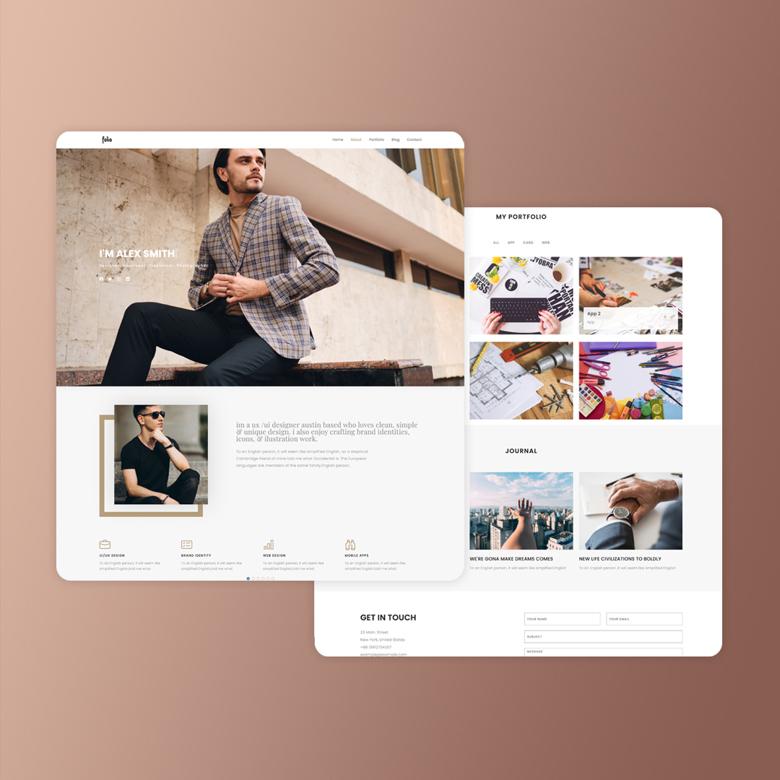
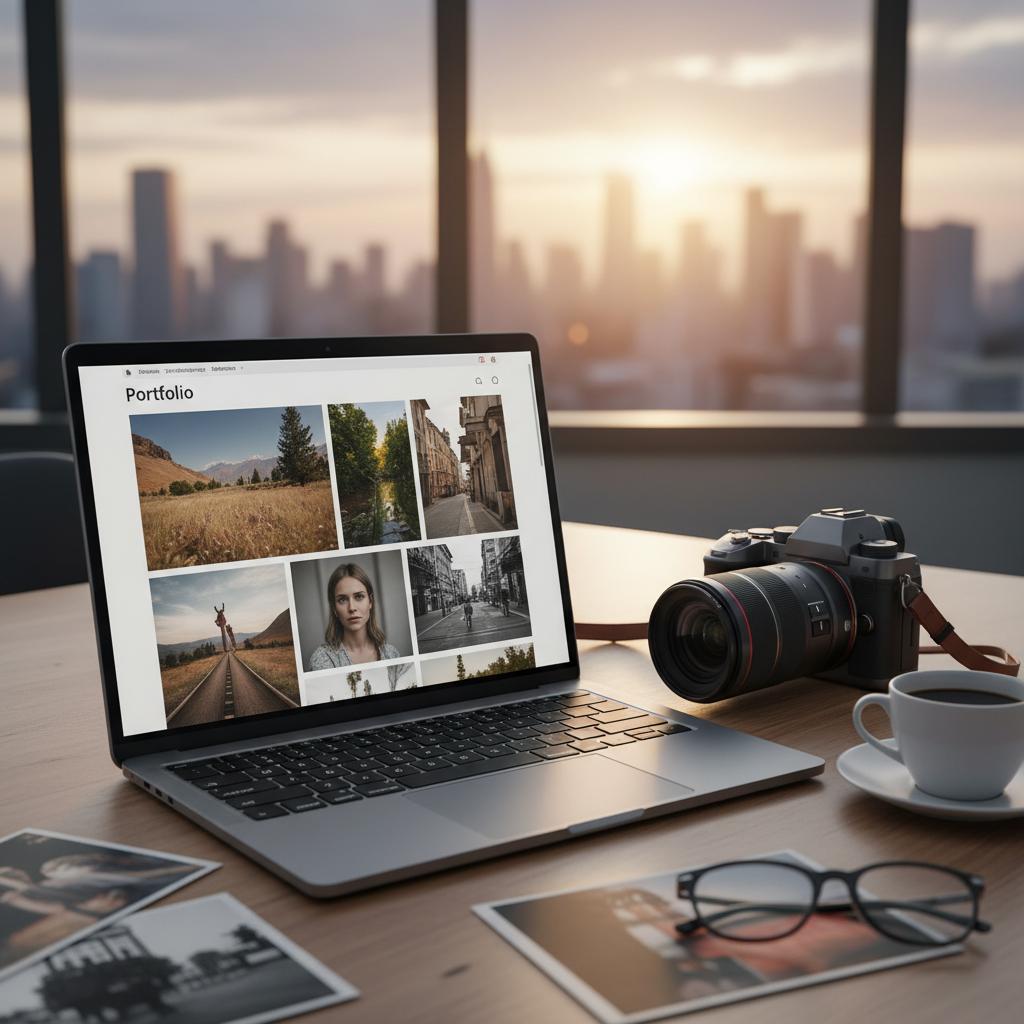
The Projects or Portfolio section is one of the main visual parts of the website. It displays examples of my work using images, project cards, short descriptions, and buttons that allow visitors to view more information. The projects are arranged neatly so visitors can quickly understand the type and quality of work I have completed.
The website may also include a Services section that explains what I can offer to clients or employers. Each service can be presented in its own card with an icon, title, and short description.
The Contact section provides an easy way for visitors to communicate with me. It can include a contact form, email address, phone number, location, and social media icons. A clear “Contact Me” button encourages visitors to get in touch.
Visually, the website uses clean spacing, rounded cards, professional images, icons, buttons, and subtle animations. These elements make the website feel modern without making it complicated or distracting. Hover effects can be used on buttons and project cards to make the website more interactive.
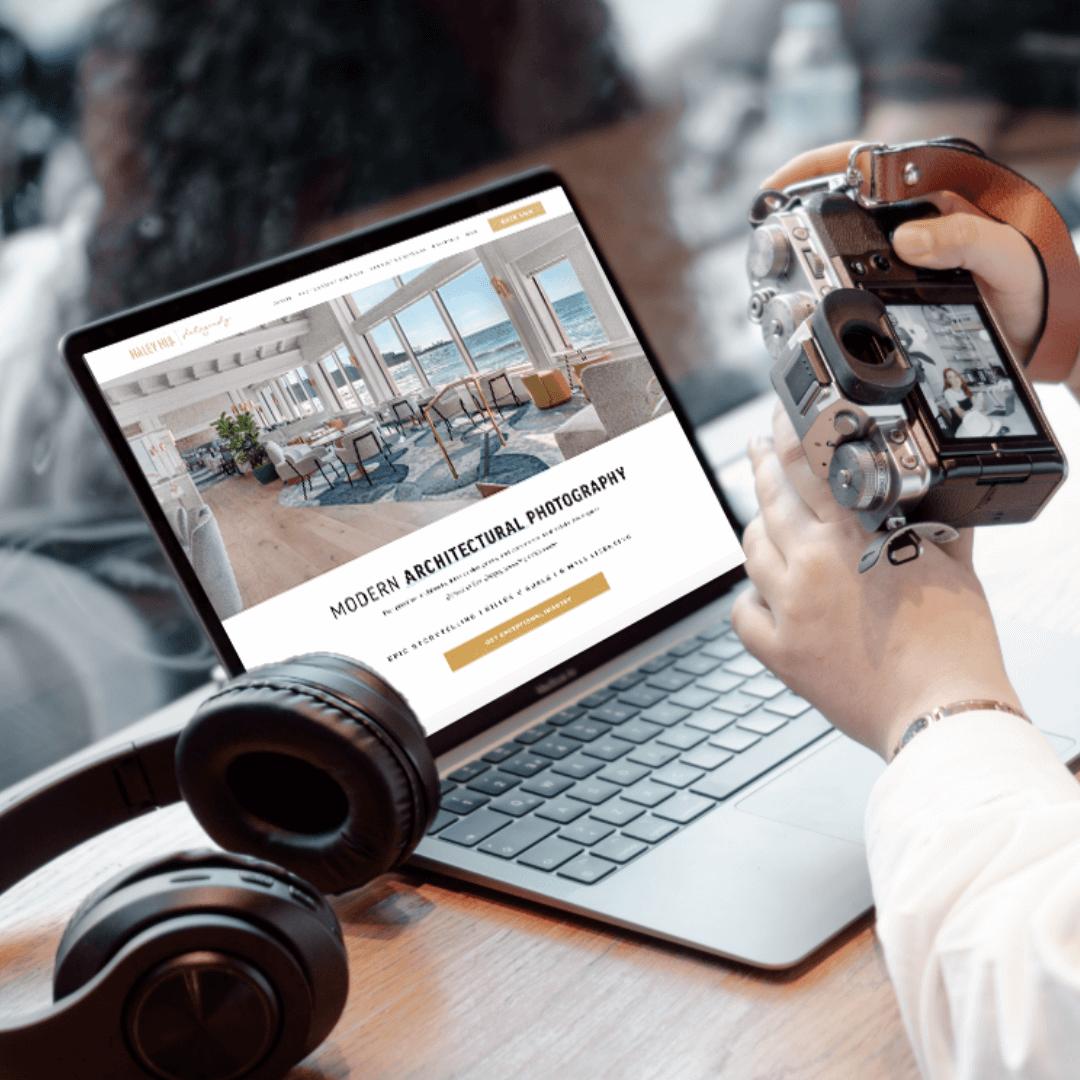
The website is also responsive, meaning that the design automatically adapts to different screen sizes. On a computer, the content can be displayed across multiple columns, while on a phone the sections can stack vertically for easier reading and navigation.
Overall, the visual design of my website represents my professional personality, skills, experience, and career. It is intended to create a strong first impression and give employers, clients, and other visitors a clear understanding of who I am, what I do, and what I can offer.